 Dyno
DynoSigned before they arrive.
Upload your waiver, build your health questionnaire, make them required on the memberships that need them, and see who has signed. Nothing to print.

From your dashboard to their phone.
Set it up once, send it out, and members complete it in the app.
Set it up once.
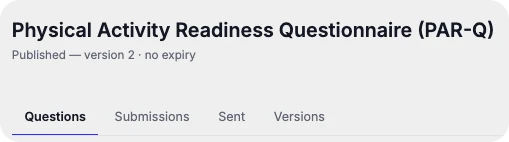
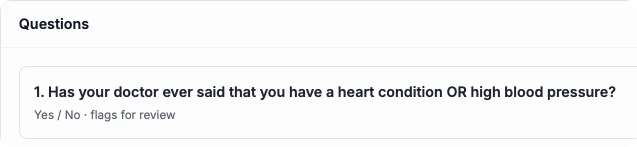
Upload your waiver as a PDF or build a questionnaire on the dashboard, with no separate e-sign tool to buy.
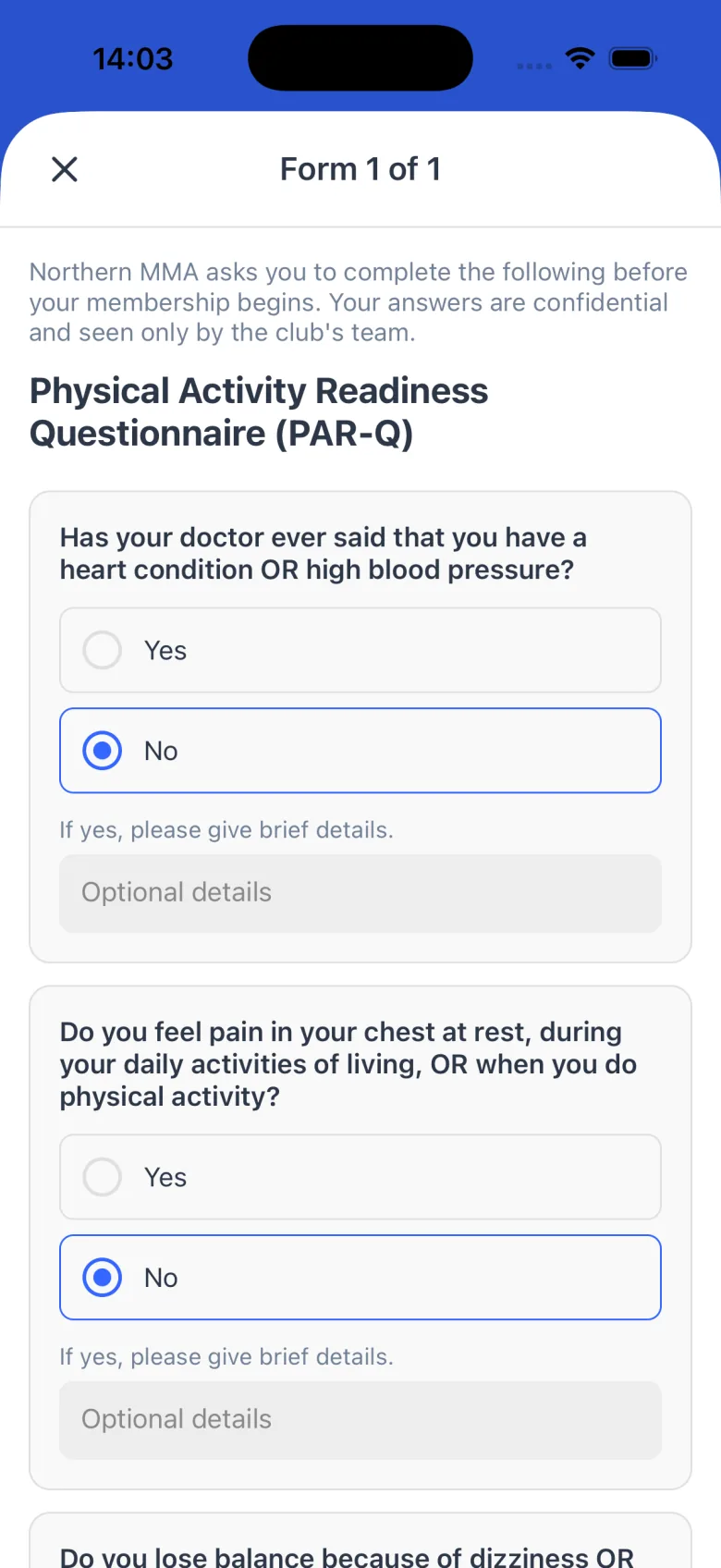
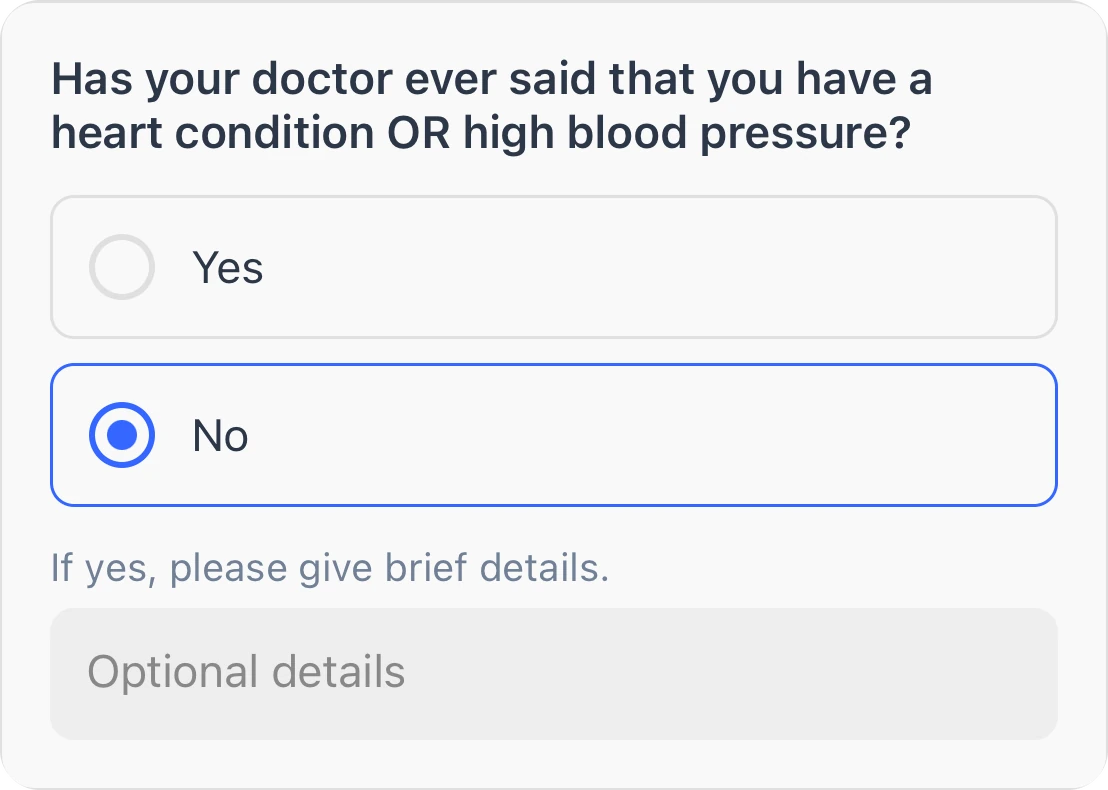
Signed on their phone.
Members review and answer in seconds, with nothing to print.
Always on record.
- Sent to the members or tiers who need it
- Completed before their membership begins
- Who’s signed, across your membership
- Who’s still outstanding on anything you sent
- A signature record kept against the member
- No printing or scanning
How it works, in detail.
Waivers, questionnaires and licences are on every plan. Your owner, admins and managers look after them from the Documents area of the dashboard.
Waivers are your own PDF
Upload the waiver you already use, as a PDF of up to 25MB. Upload a new one and it becomes a new version, and members are asked to sign again. A waiver that has been signed can’t be deleted, so the record stays: you switch it off instead.
Questionnaires you build in Dyno
Build health questionnaires and forms question by question: yes or no, short or long text, single or multiple choice, dates, numbers, phone numbers and emails, up to 100 questions. Start from the PAR-Q template, mark a form as health or standard, and publish it when it’s ready.
Required before they buy
Make a waiver or form required on a membership or a term course, and nobody can buy it in the app or on your website until they have completed the current version. You can also send a document to members you pick, or to everyone on a membership, at any time.
How members sign
The member reads the waiver in the app and types their full name to sign. Dyno records their name, the time, their device and the version they signed, and emails them a receipt with a link to the waiver. Parents sign for their children, and the record shows the parent as the signer.
Health answers that need a look
Mark the answers that need a second look, and a submission that gives one goes on a review list for your team to clear or decline, with a note. It doesn’t stop the member joining, so nobody is left waiting at the door. Ask members to fill in a health form again every so many months, and they get a reminder before it’s due.
Seeing who has done what
Each waiver lists everyone who has signed, and which version, and exports as a spreadsheet. Each questionnaire shows its submissions. Anything you send out has a recipients list showing who has completed it and who hasn’t, and a member’s profile shows the waivers they’ve signed.
Licences
If your members need a licence from a governing body, track each one from application to approval, sending and active, with a reminder 30 days before it runs out. Applications sit in one list your team can export.
What it doesn’t do
There’s no drawn signature: members sign by typing their name. Dyno keeps the signature record alongside your original PDF rather than producing a stamped copy. Questionnaires can’t ask members to upload a file or photo, and coaches with the staff role can’t open documents.
Questions clubs ask.
Get your club running on Dyno
30 days of Pro free, no credit card. Most clubs are taking payments the same day they sign up, with waivers & documents and everything else included.