 Dyno
DynoYour space, bookable.
Courts, lanes, studios and equipment become spaces members book themselves in the app, with the right memberships attached and a fee if you charge one.
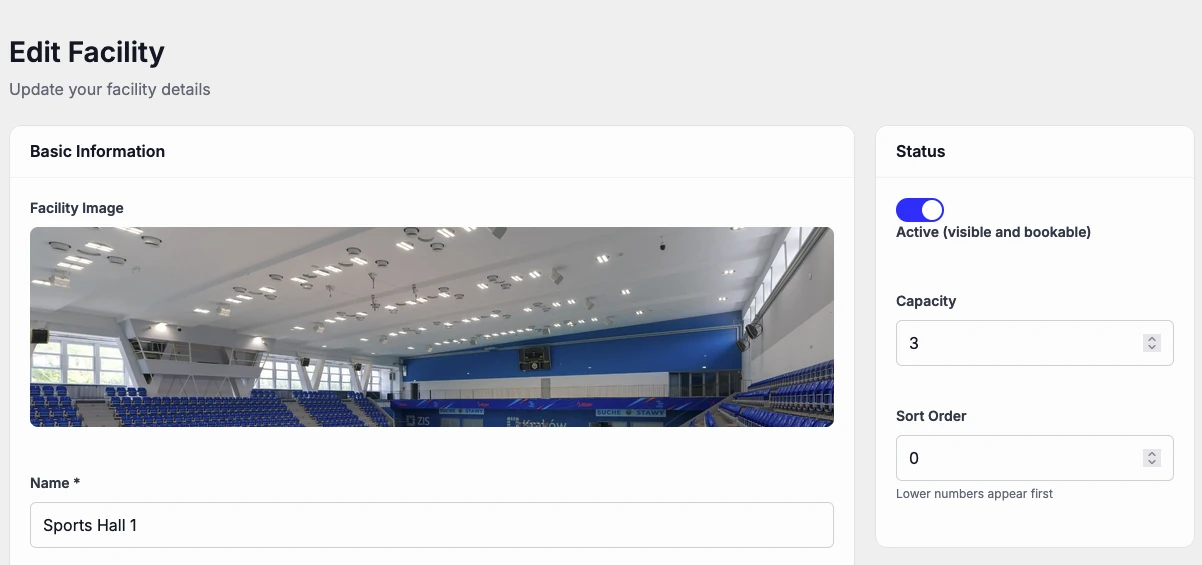

Set it up once, then let members book.
Add a facility on your dashboard and members can book it from the app.
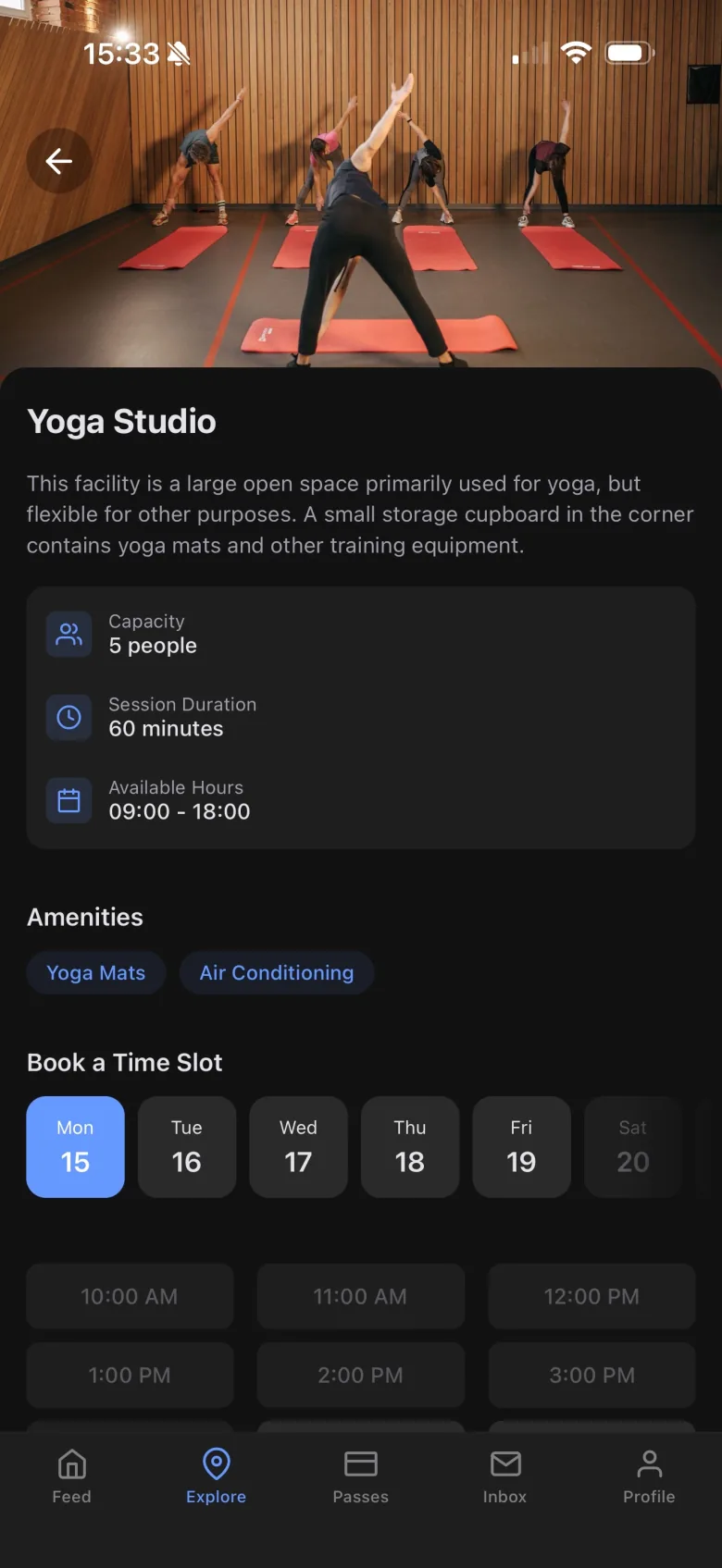
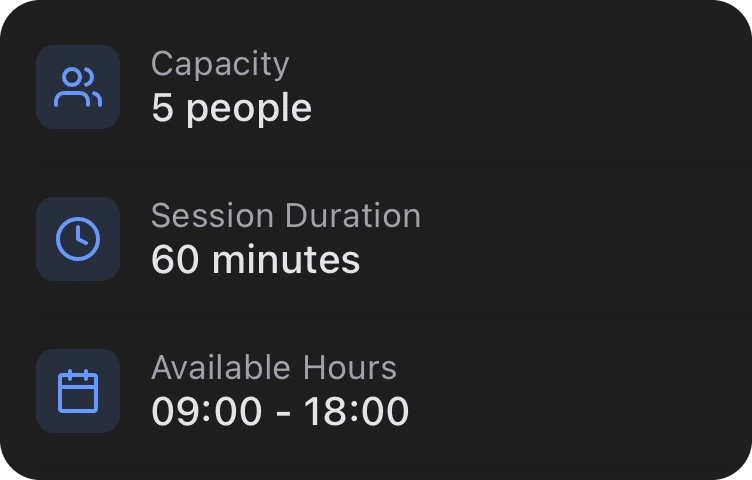
The details up front.
Members can check what a space offers before they book it.
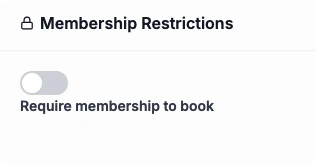
Decide who can book.
Require a membership to book, and choose which memberships count.
No messages to book.
Members see what’s free and pick a slot themselves, so there are no double-bookings.
How it works, in detail.
Facilities are included on Growth and Pro, and a bolt-on for Starter. Here is what you set, what members see, and the limits worth knowing.
Setting up a space
Add each court, pitch, lane, studio or piece of kit as a facility, with a photo, a description and what it has. Choose the slot length, from 15 minutes up, any gap between bookings, and the opening hours for each day of the week. Out of the box, slots are an hour long between 06:00 and 22:00.
How far ahead members can book
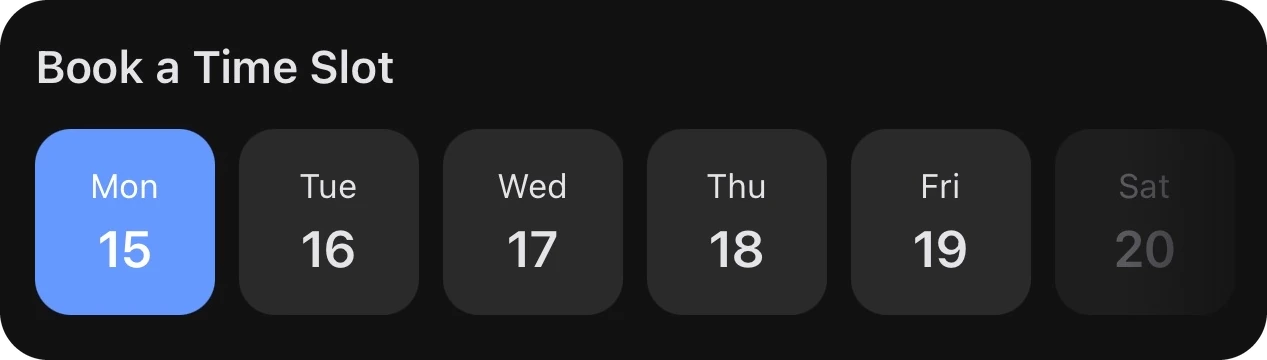
Set the furthest ahead a member can book, 30 days unless you change it, and the latest they can book before a slot starts, an hour by default. The app shows members the next two weeks of slots to choose from.
Who can book
Switch on Require membership to book and only members can reserve the space. Narrow it to particular memberships if, say, only full members get the courts. A member whose membership is paused can’t book until it restarts. Your team can always book.
Charging for a booking
Set a fee per booking and members pay by card in the app when they book, with the slot held for 15 minutes while they pay. The money goes to your Stripe account. Leave the fee off and booking is free for anyone who’s eligible.
Cancelling
For a paid space, set a cancellation deadline of up to a week before the slot, 24 hours unless you change it. Cancel before it and the member is refunded in full. Cancel after it and the booking is still cancelled, but nothing is refunded. If your team cancels a paid booking before it starts, the member is refunded in full.
No double-booking
Each slot takes one booking, and two people trying to book the same slot at the same moment can’t both get it. Members see only what’s free, so nobody has to message to ask.
Your team’s view
A day view shows every slot as free, booked or past, who booked it, and what’s on now and next. Your team can book a member into a free space, and cancel any booking. Parents can book a space for their children from their own login.
Checking in
Members show the pass for their booking at your kiosk, from 30 minutes before the slot until 15 minutes after it ends, so you know the court was used.
Questions clubs ask.
£35 a month, or £350 a year.
Included on Growth and Pro. Try Pro free for 30 days.
Get your club running on Dyno
30 days of Pro free, no credit card. Most clubs are taking payments the same day they sign up. Facilities are a paid bolt-on, included on Growth and Pro.