 Dyno
DynoParents handle it all.
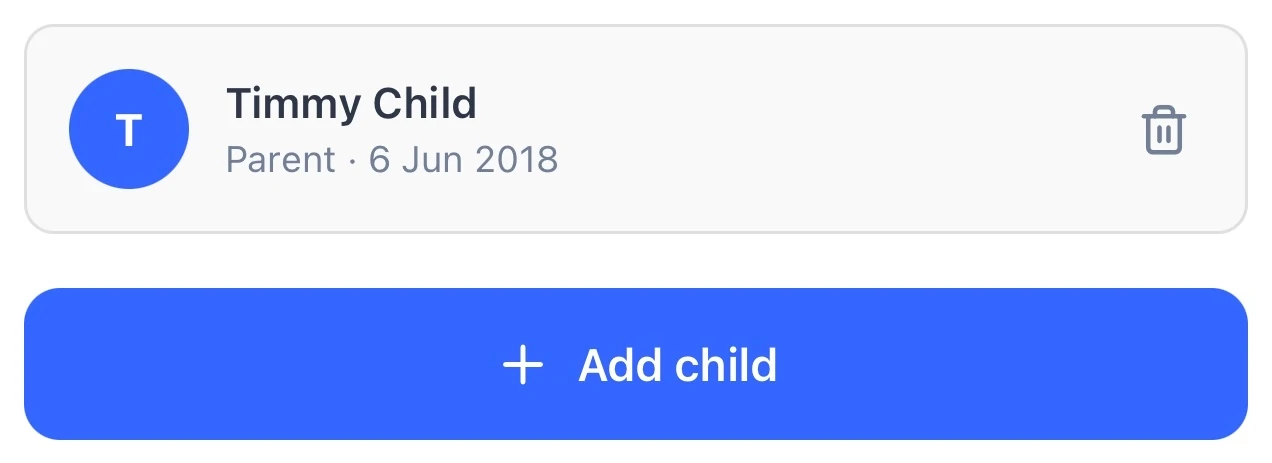
Parents add their children, buy memberships for them and pay, all from one login. Children need no email address of their own.
Built for clubs with juniors.
Parents handle the bookings and payments, and your records stay clean.
No login of their own.
Children appear on class registers with no email address or login of their own.
Who belongs to whom.
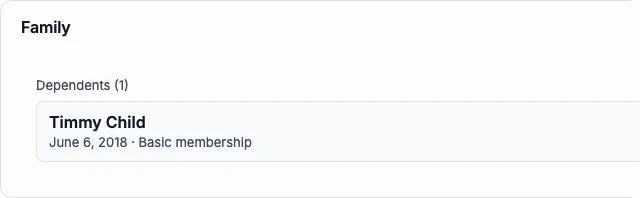
A guardian’s own plan sits on their profile with their children, with no folder of paperwork.
How it works, in detail.
Family accounts are on every plan. Here is what a parent can do, what your team sees, and the rules that keep children safe.
A parent adds their children
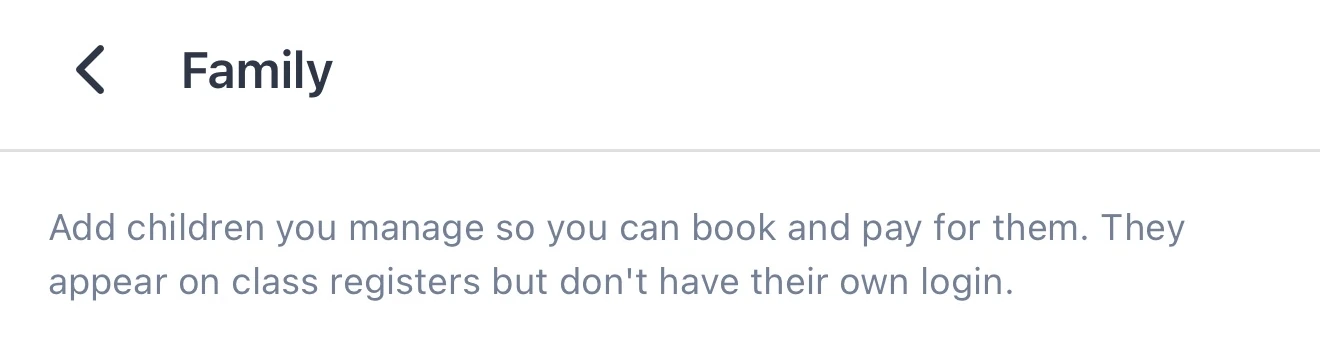
In the app, a parent goes to Settings, then Family, and adds each child with their name, date of birth and relationship, parent, guardian, grandparent or carer, and confirms they have the right to manage the child’s account. They can also add a child at checkout while buying a membership. A parent needs to be 18 or over with a verified email, and can manage up to 20 children.
Everything a parent can do for a child
From their own login, a parent can buy a membership or pass for each child, book classes and events, enrol them on a term course, join a waitlist, book a facility or a one-to-one session, sign waivers and forms, and add welfare details and photo consent. Each child’s passes show in their own section on the parent’s Passes screen.
One card for the whole family
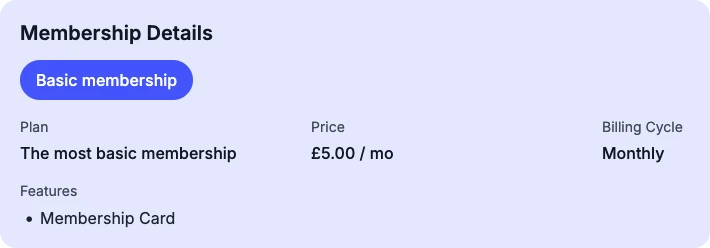
Each child has their own membership, so you see exactly who is paying for what, but every one is charged to the parent’s card or Direct Debit. Membership receipts go to the parent and name the child they’re for.
Children never need a login
A child’s account is held by their parent, at any age, with no email address, password or login of their own. Children under 13 can’t sign themselves up at all, and 13 to 15-year-olds who join on their own get a teen account that can only message your staff.
Kept safe by design
Nobody can send a direct message to a child’s account, your staff included. When a coach picks a child in the dashboard, the conversation opens with the parent instead. Children’s accounts don’t appear in member search.
What your team sees
A child’s profile shows the parent’s email in place of their own, and a family panel lists the parent, their children and any linked adults. Welfare details, such as an emergency contact and medical notes, sit on the register for the staff taking it.
Bringing families across
When you import members, a child row is listed under their parent’s invite. The child’s account is created when the parent accepts in the app and confirms the children are theirs, so a club never creates a child’s account on a parent’s behalf.
Family pricing
On Starter and up, a family discount rule takes a percentage or an amount off, or sets a flat price, from the second family member or whichever number you choose, for children only or the whole family. Age-band discounts work alongside it, and households link adults who should share the family rate.
Questions clubs ask.
Get your club running on Dyno
30 days of Pro free, no credit card. Most clubs are taking payments the same day they sign up, with family accounts and everything else included.