 Dyno
DynoYour community lives here.
A club feed, broadcasts and direct chat, built into your member app. No more scattered WhatsApp groups.
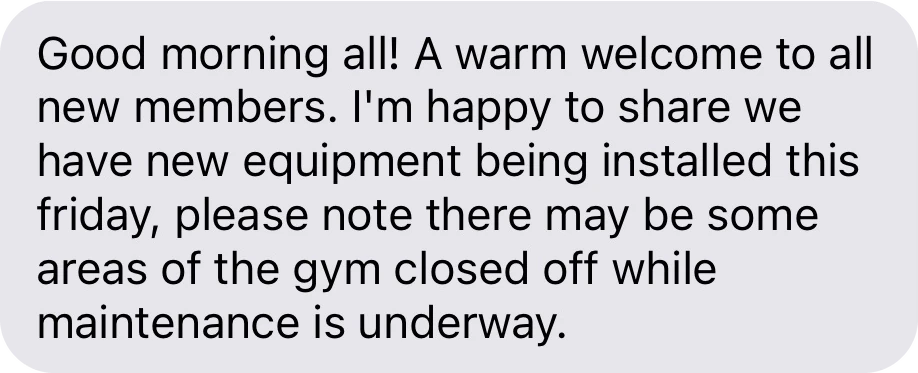



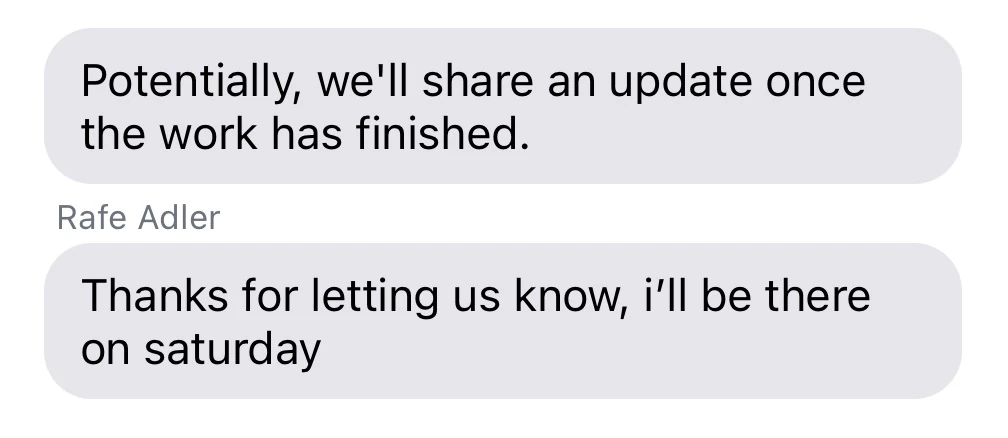
One conversation, two screens.
Your team replies from the dashboard, and members read it in the app.
Reply from the dashboard.
Your team chats with members from the dashboard, and it all lands in the app.
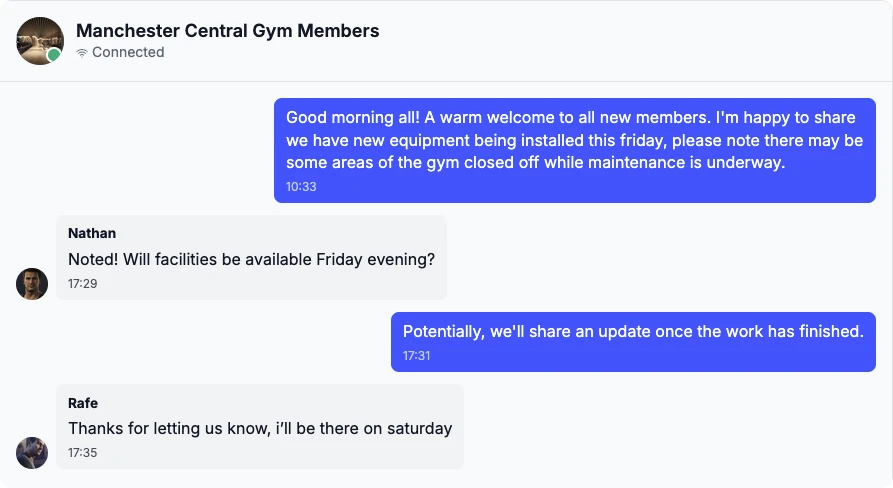
A chat for every club.
Each club a member belongs to gets its own chat, next to their direct messages.
Reach everyone at once.
Switch on Notify everyone in the club chat and your message lands as a Club Update, with a push to every member in the chat.

How it works, in detail.
Chat and the club feed are on every plan, with nothing to add on. Here is what your team and your members can each do.
One club chat, everyone in it
Every club gets a club-wide chat. A member joins it when they get a membership and leaves it when they leave the club, so the list never needs tidying. Members can’t leave it or hide it, which is why it works for the things everyone needs to know.
A chat for each squad or group
Each member group, a squad, a class level or a committee, can have its own chat. Its members follow the group roster, so moving someone between groups moves them between chats too. Broadcasting into a group chat is how you message just that group.
Club Updates that can’t be missed
Your owner, admins and managers can switch on Notify everyone before sending in the club chat or a group chat. The message carries a Club Update header and a push goes to everyone in that chat, even people who muted it. Ordinary messages only push when someone is away from the app.
Direct messages from the dashboard
Your team can start a direct message with any member from the Chats page, filtered by unread, direct and event chats. Pick a child and the chat opens with their parent instead, so staff never message a child directly. Staff can send images as well as text.
Messages between members
Members can message people they follow or who follow them. If you’d rather they didn’t, switch off member messaging in your settings and members of your club can only message your team. Teenagers aged 13 to 15 can only message staff, and nobody can message a child’s account.
The club feed
Post news, results and photos to the feed, up to five images a post, and members like and comment. Members can post too. Your team can delete any post from the dashboard, and a club for children keeps posting and commenting to adults unless you change it.
Keeping it civil
Members can block or report someone from their profile or from a direct chat. A block stops direct messages and hides that person from their feed and follows. Reports go to the Dyno team to review. Anyone can unsend their own message with a long press.
Limits worth knowing
A message can be up to 4,000 characters and a photo up to 10MB. There are no read receipts, only unread counts. Email newsletters and texts are separate from chat: they live in Campaigns, part of the Growth Suite.
Questions clubs ask.
Get your club running on Dyno
30 days of Pro free, no credit card. Most clubs are taking payments the same day they sign up, with community & chat and everything else included.