 Dyno
DynoWaitlists & cancellations
Cancelled spots fill themselves.
When a session fills, members join the waitlist. When someone cancels, the spot goes down the queue, and deadlines cut late drop-outs.
- 1The session fills
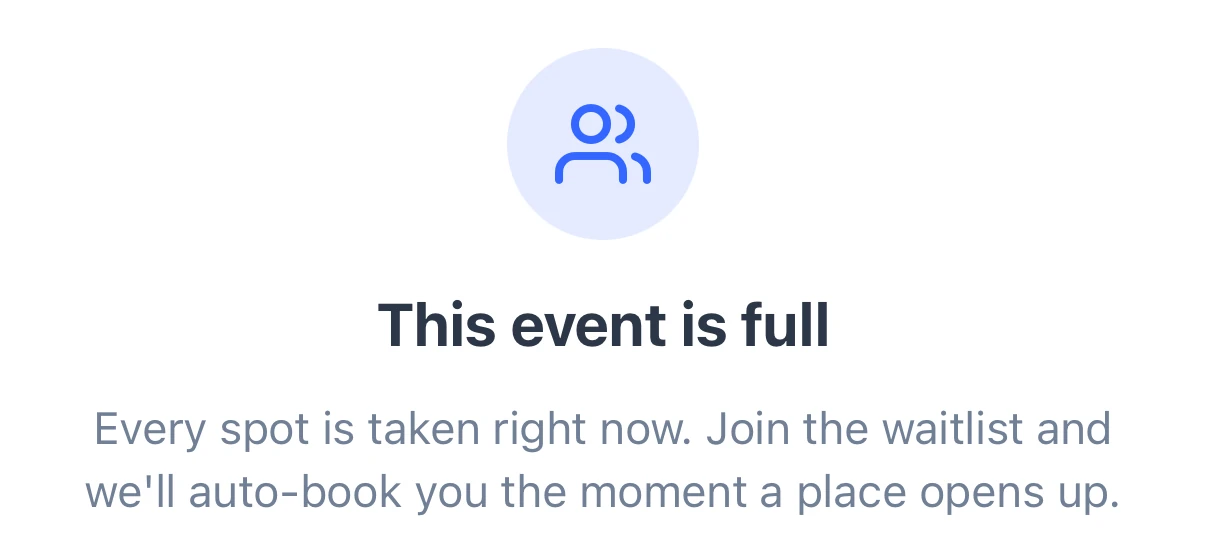
- 2They join the waitlist

- 3A place opens, they’re booked in
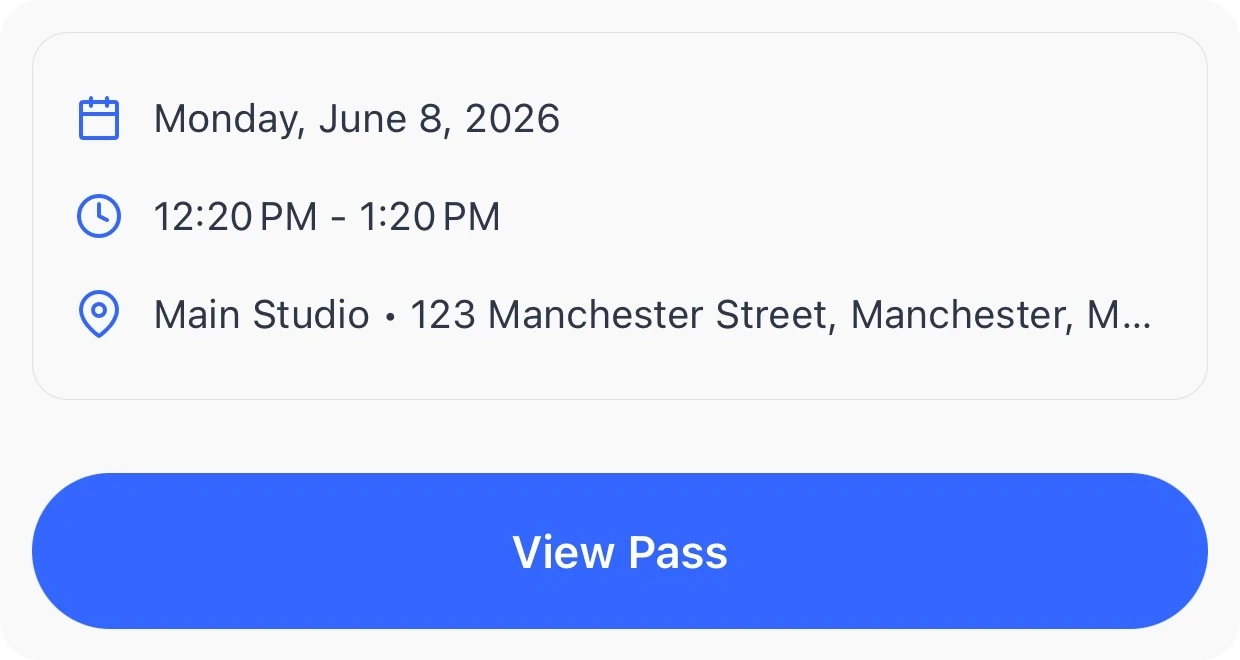
Fair to members, and full for you.
Two settings on each session keep it full, and the people who booked turn up.
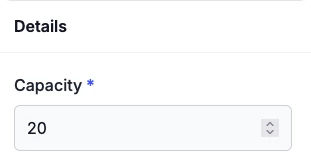
It starts when you’re full.
Set a capacity, and the waitlist kicks in once it’s reached.
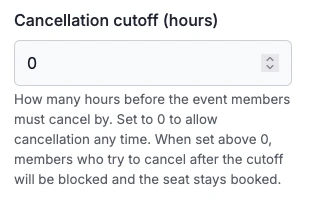
A deadline to cancel by.
Members free their spot in time, and late drop-outs are discouraged.
Questions clubs ask.
Get your club running on Dyno
30 days of Pro free, no credit card. Most clubs are taking payments the same day they sign up, with waitlists & cancellations and everything else included.