Class For Kids alternative for clubs
The Class For Kids alternative for clubs that want memberships, a real parent app and community, not just class bookings.


The short answer
 Dyno is best for
- Providers who want memberships, a real parent app and community, not only class bookings.
- CClass For Kids is best for
- Providers who mainly need term-based class booking and registers.
Class For Kids details last reviewed July 2026, from its own public pages.
What is Dyno?
Dyno is all-in-one club software for any membership organisation, kids’ activity providers very much included. Alongside class booking and registers you get recurring memberships, paid events and camps, progression tracking and a genuine parent app with a community feed and chat, on simple monthly plans with no booking fee bolted onto your families’ checkout.
What is Class For Kids?
Class For Kids is UK booking software for children’s activity providers such as dance schools, gymnastics clubs, swim schools and football coaching. It handles term and block bookings, registers and payments, and it is funded by a booking fee added to each transaction that is commonly passed on to parents at checkout. It is built for booking rather than ongoing memberships, a parent community or progression.
Why activity providers look beyond Class For Kids
- Booking-firstBuilt around taking term bookings and filling registers, not around a family’s relationship with your club.
- The booking feeFunded by a per-transaction charge that usually lands on parents at checkout.
- Families pay extraProviders increasingly dislike asking families to pay more just to book.
- Booking-only scopeWant memberships, camps, a parent app, badges and community, and the tool feels narrow.

How Dyno approaches the same job
- Club, not single bookingScheduling, registers and waiting lists sit alongside memberships, paid events, camps and waivers.
- No booking feePayments run through Stripe into your own account, with no fee added to what parents pay.
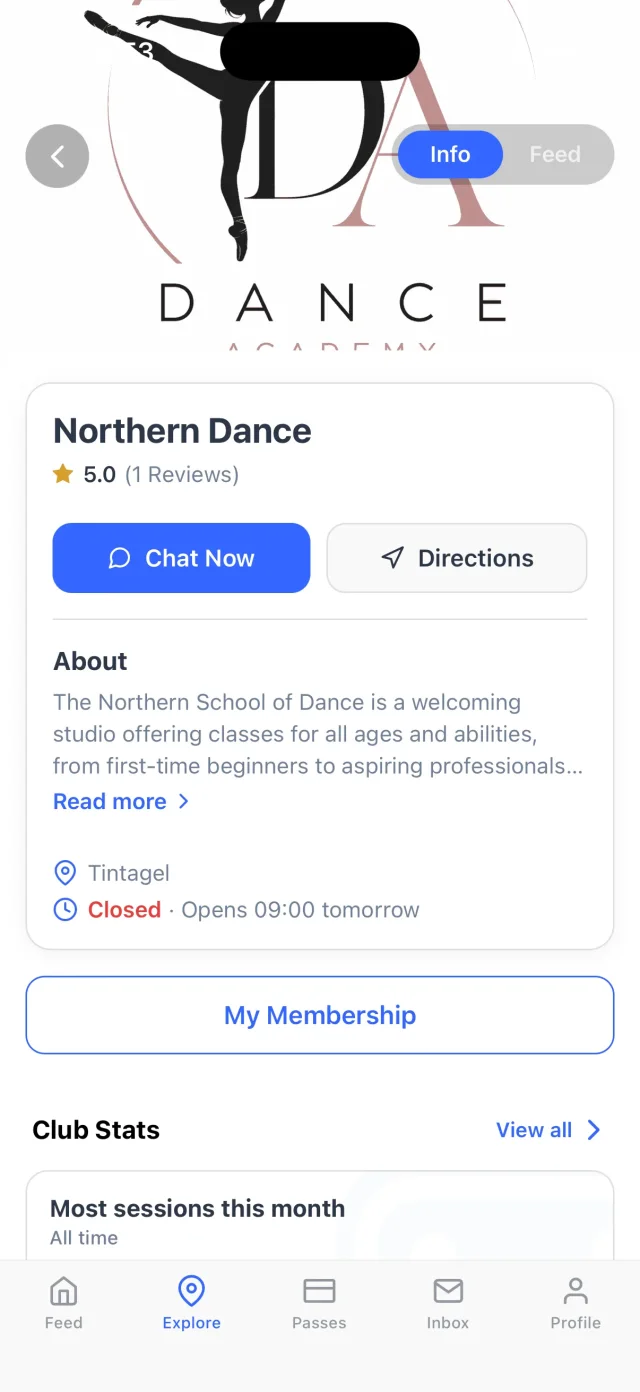
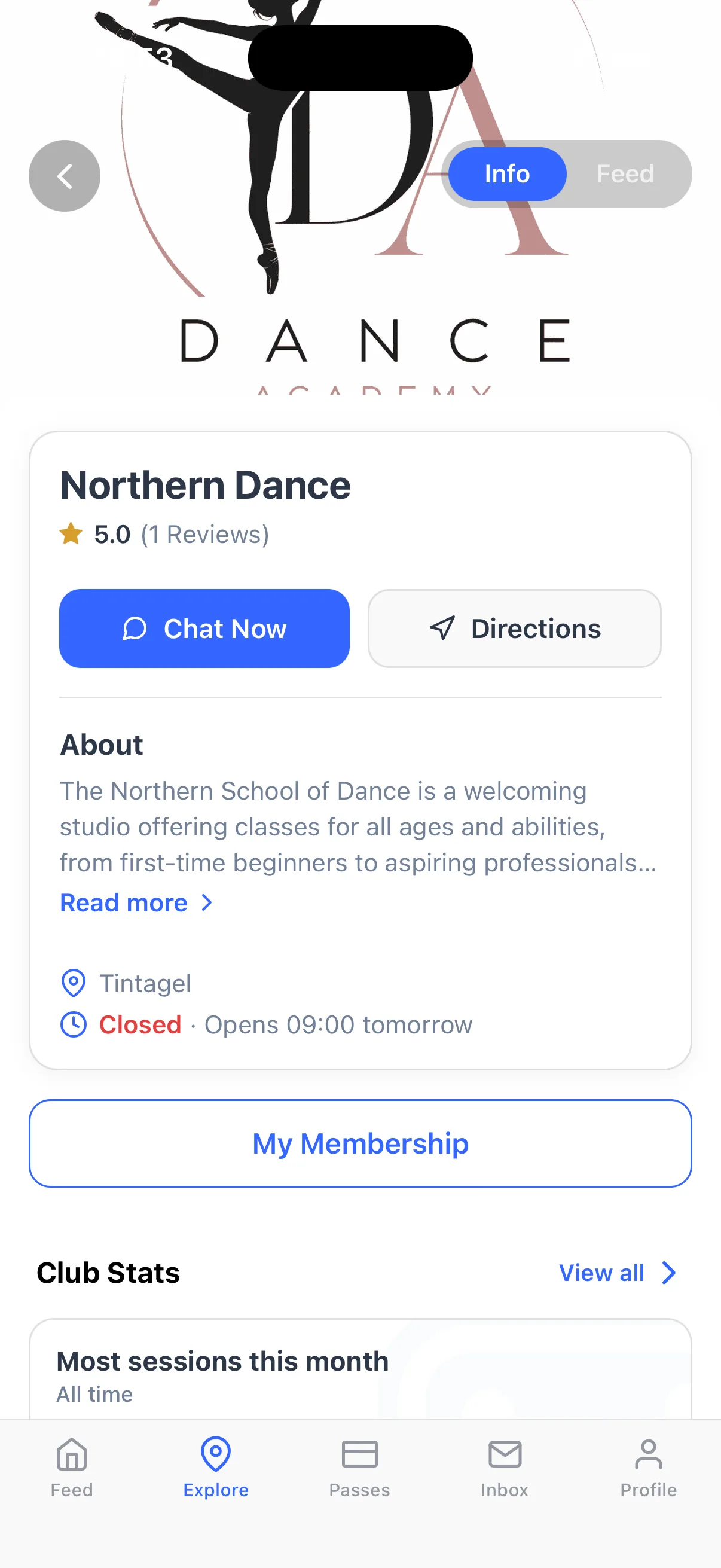
- A real parent appParents get your feed, chat, timetable and their child’s progress, from swim stages to belts.
- Grows with the clubBuilt for any club, so adding adult classes or a second discipline needs no new software.

What switching from Class For Kids actually involves
- We move your dataWe move your classes, registers and member list across with you.
- No mid-term breakMost providers run a short overlap rather than a hard cut-over, so nothing is missed mid-term.
- Payments move with careCard authorisations re-establish through Stripe as members activate in the app. UK Direct Debits held with GoCardless move across in a Bacs bulk change with nothing for members to sign, and other providers’ mandates are set up again in the app. The dashboard shows who has moved across and who still needs a nudge.
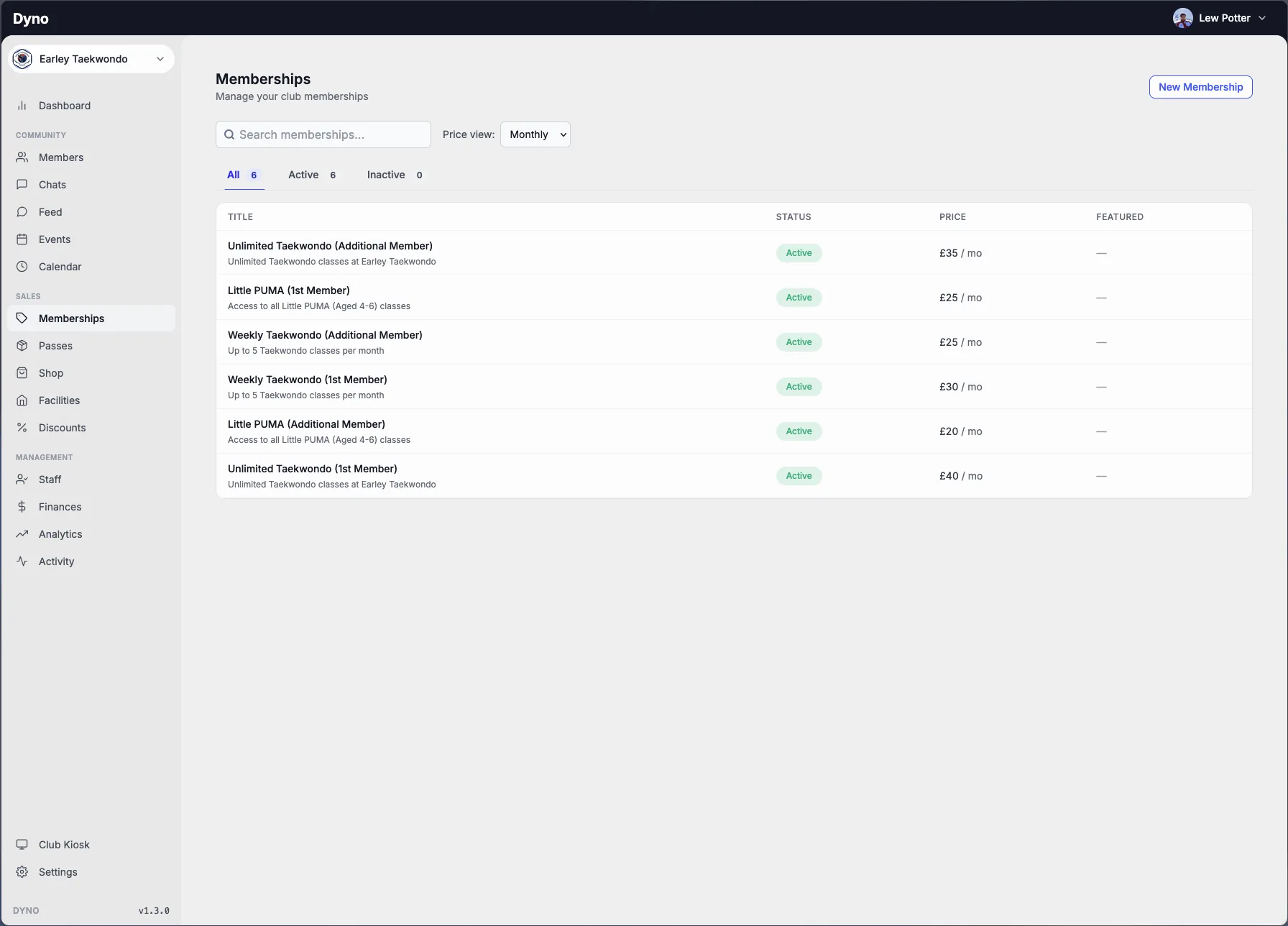
Class For Kids vs Dyno: feature by feature
DynoClass For Kids details are based on its own public pages, last reviewed July 2026.
See what Dyno gives your club and its families
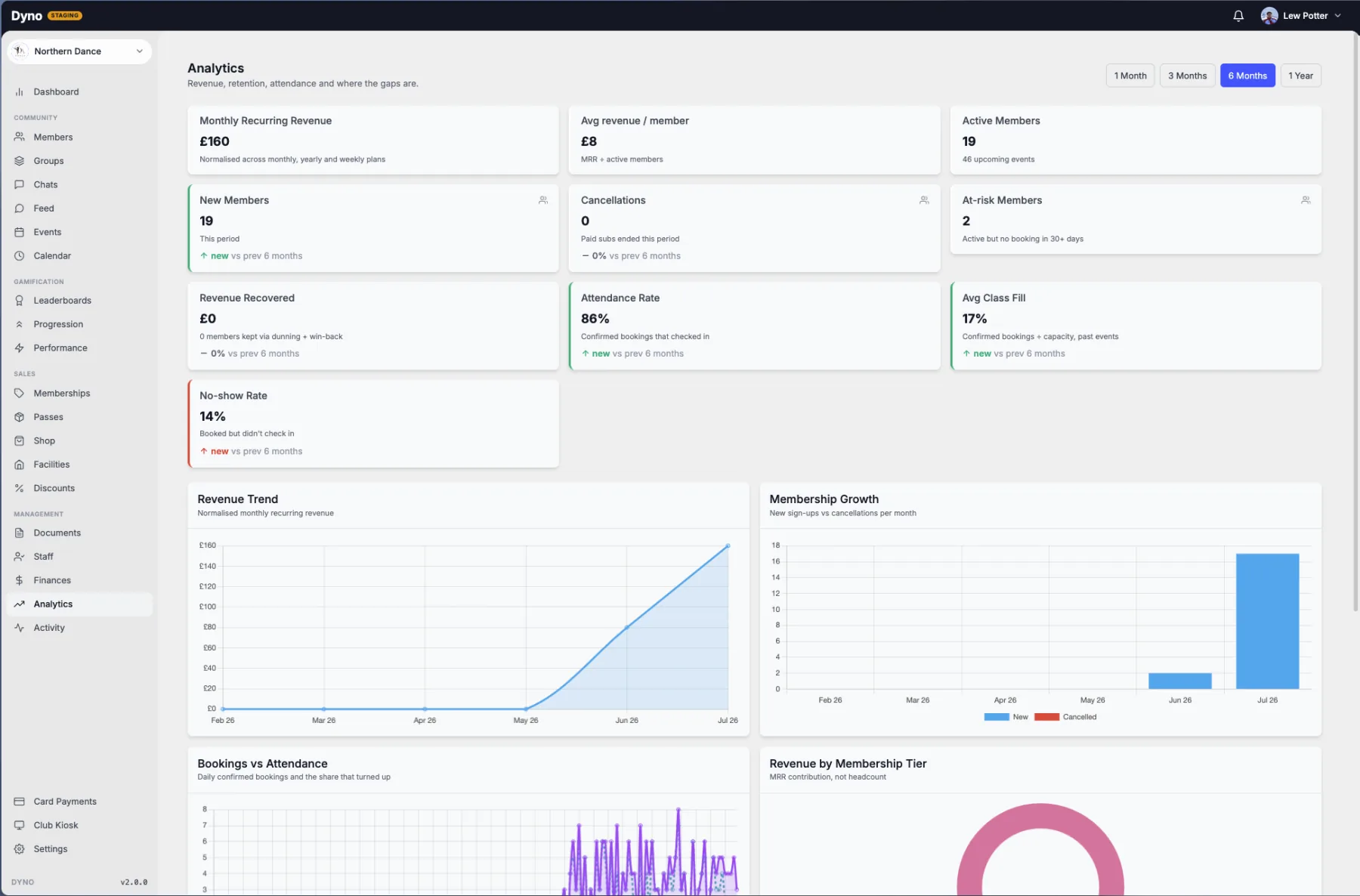
Run your whole club from one place
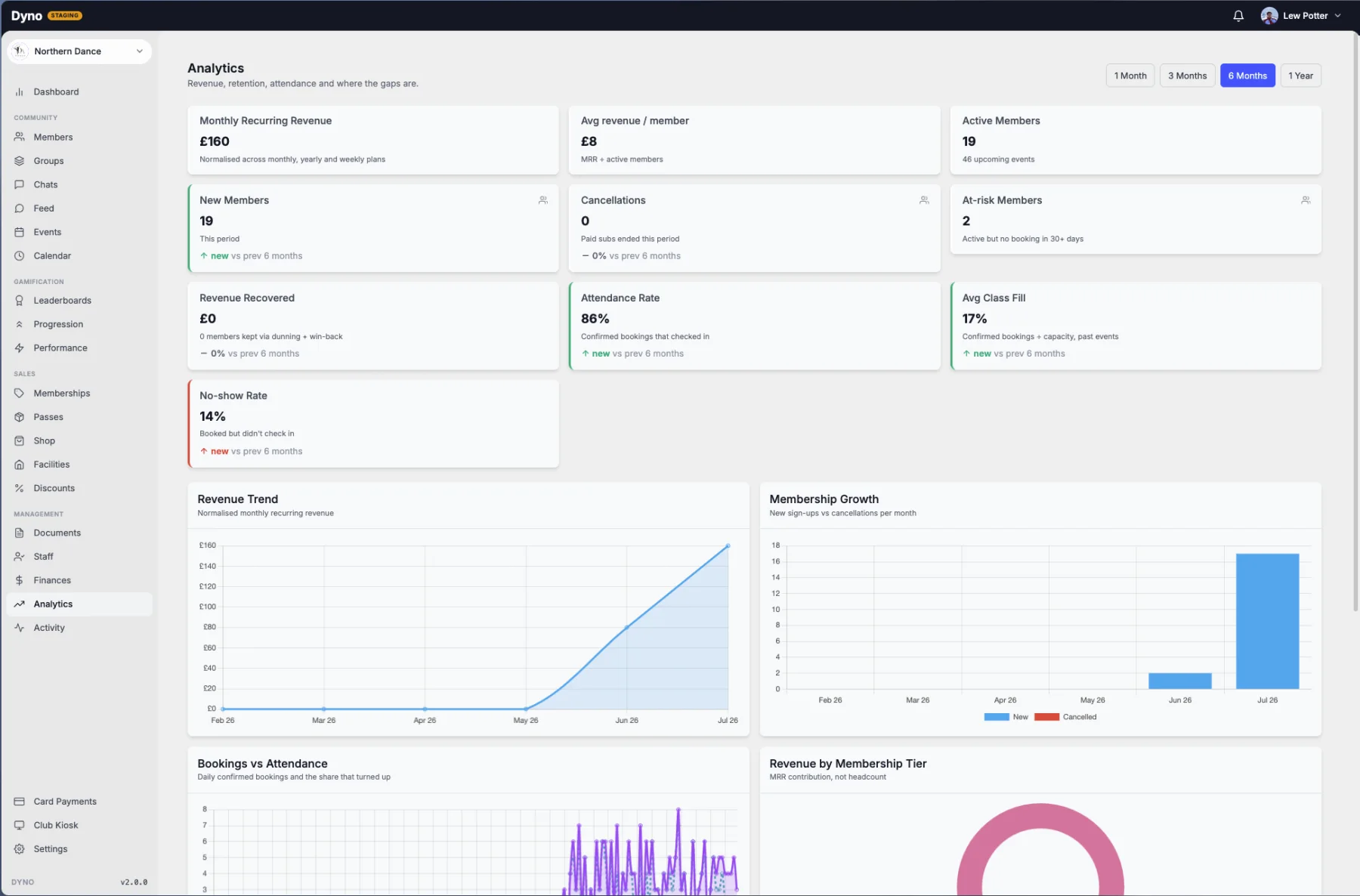
Termly fees, attendance and membership growth on one live dashboard, with no booking fee added to what parents pay.
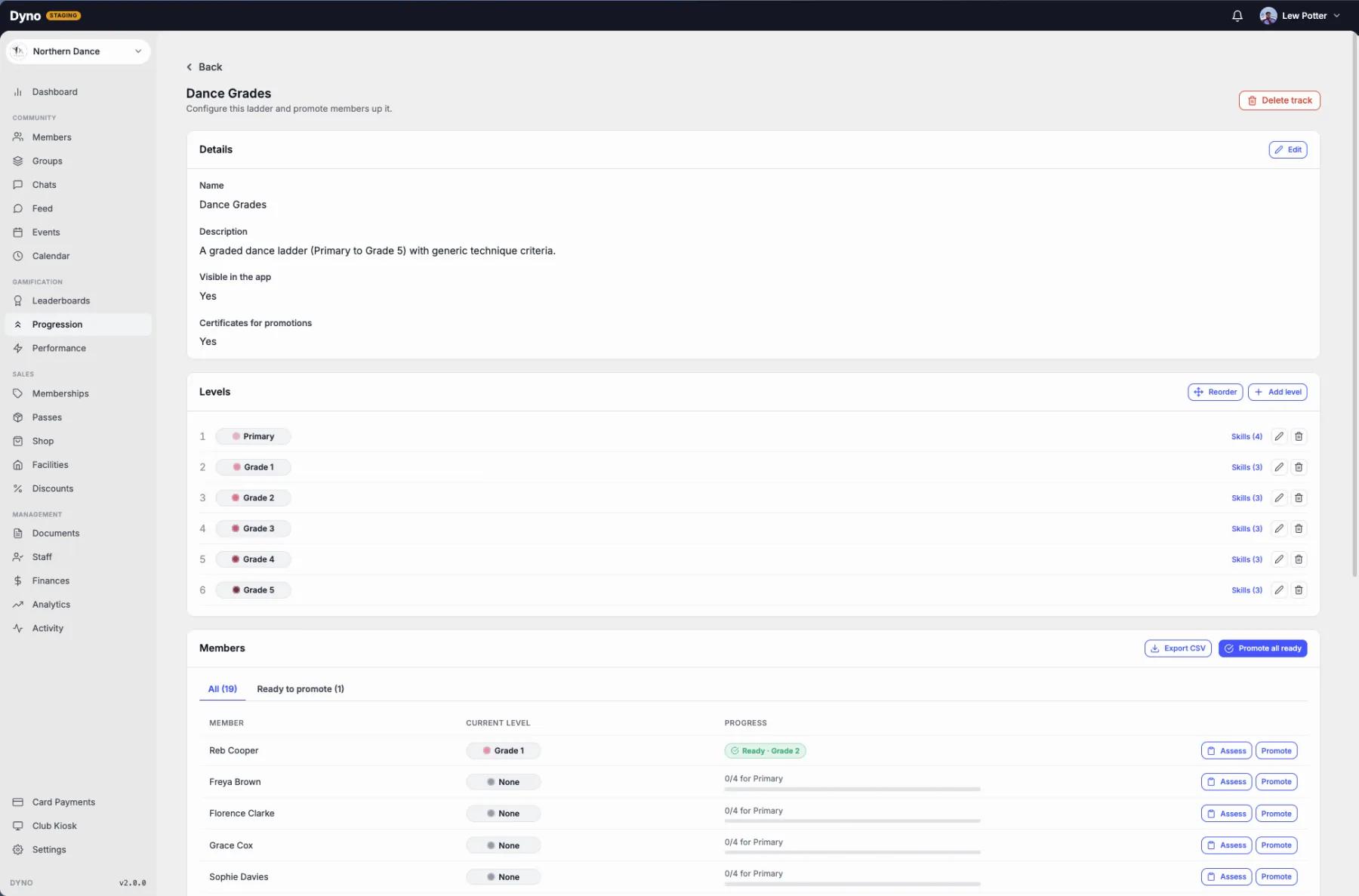
Track every child’s grades and levels
Build your grade ladder, set the criteria for each level and promote children, with certificates and progress parents can follow.

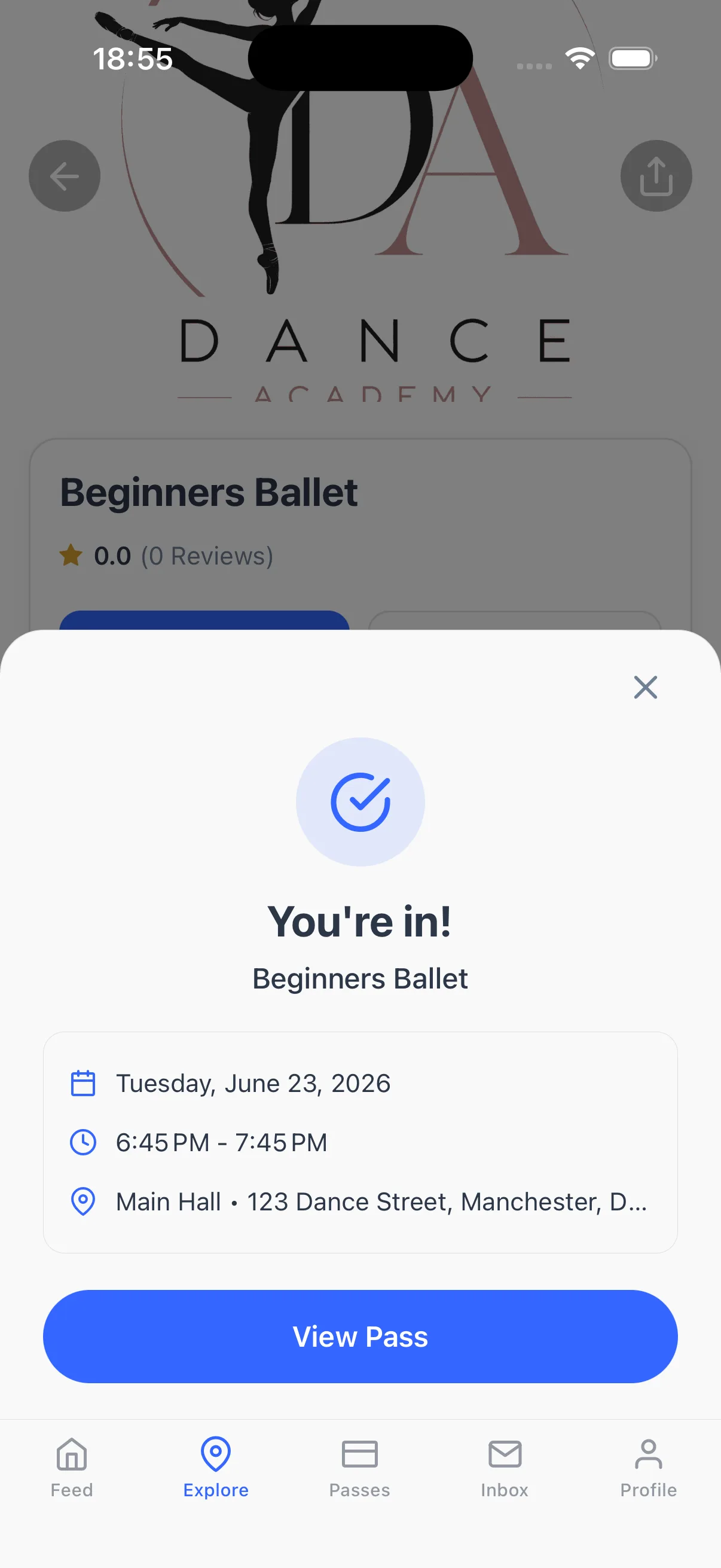
An app parents actually open
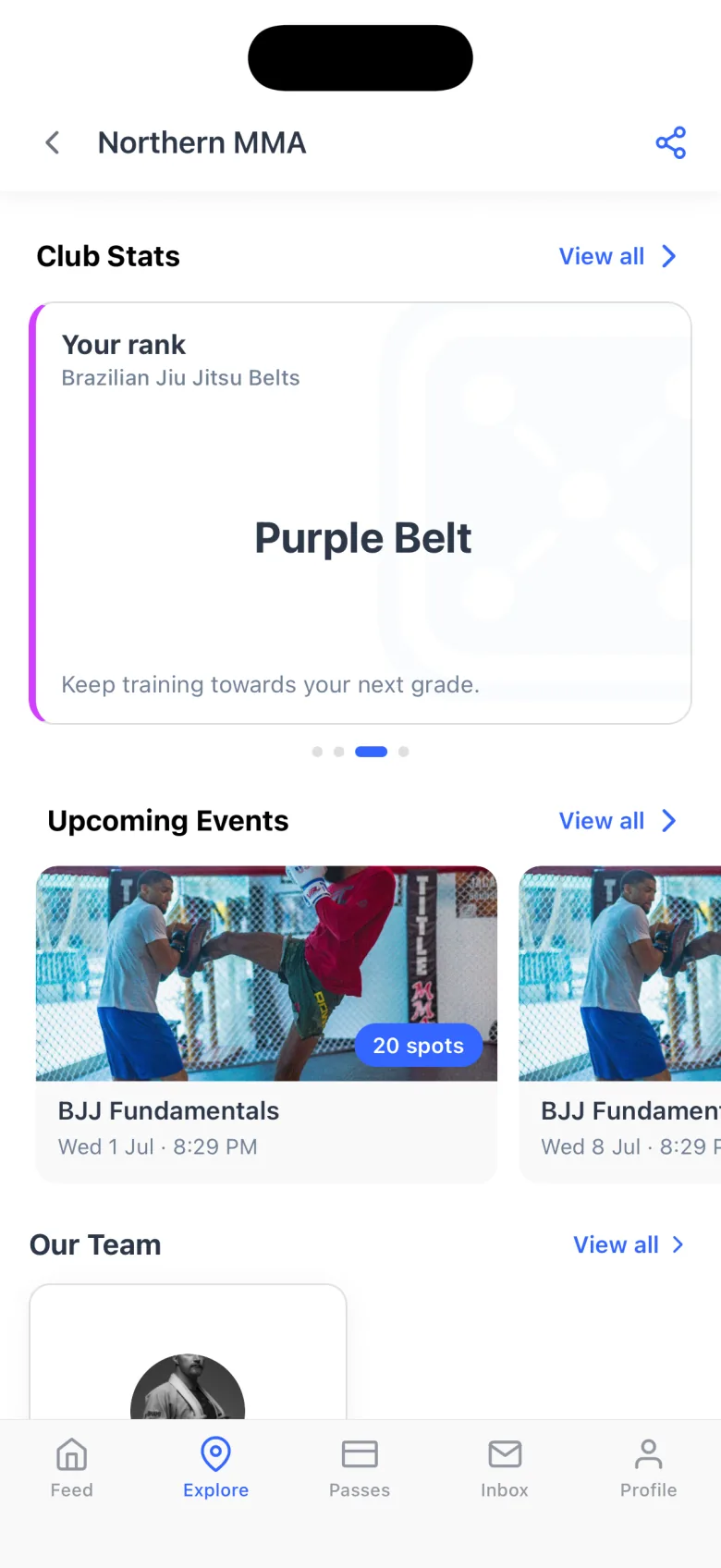
Your feed, chat, timetable and every child’s progress in one place, so booking becomes an ongoing relationship.
How Dyno compares with other Class For Kids alternatives
Clubs leaving Class For Kids usually look at these too. Here’s where each one falls short, and how Dyno stacks up against it.
- CDyno vs Class ManagerClass Manager is best for: Schools that only need registers and term billing, with parents on a web portal.
- MDyno vs MyStudioMyStudio is best for: Businesses comfortable assembling the features they need from add-ons.
- JDyno vs JackrabbitJackrabbit is best for: Schools that only need enrollment and billing, with families on a web portal.
Dig into the details
Switching from Class For Kids: common questions
- Is Dyno a good Class For Kids alternative for a dance or gymnastics club?
- Yes, that is squarely who Dyno is for. You keep the class booking and registers you rely on, and gain recurring memberships, progression badges, a real parent app and a community feed, all on one simple plan with no booking fee added to what parents pay.
- Does Dyno charge parents a booking fee like Class For Kids?
- No. Dyno runs on simple monthly plans and does not add a per-booking fee to your families’ checkout. Payments go through Stripe into your own bank account, so the price a parent sees is the price you set.
- Can we still run term-based and block class bookings on Dyno?
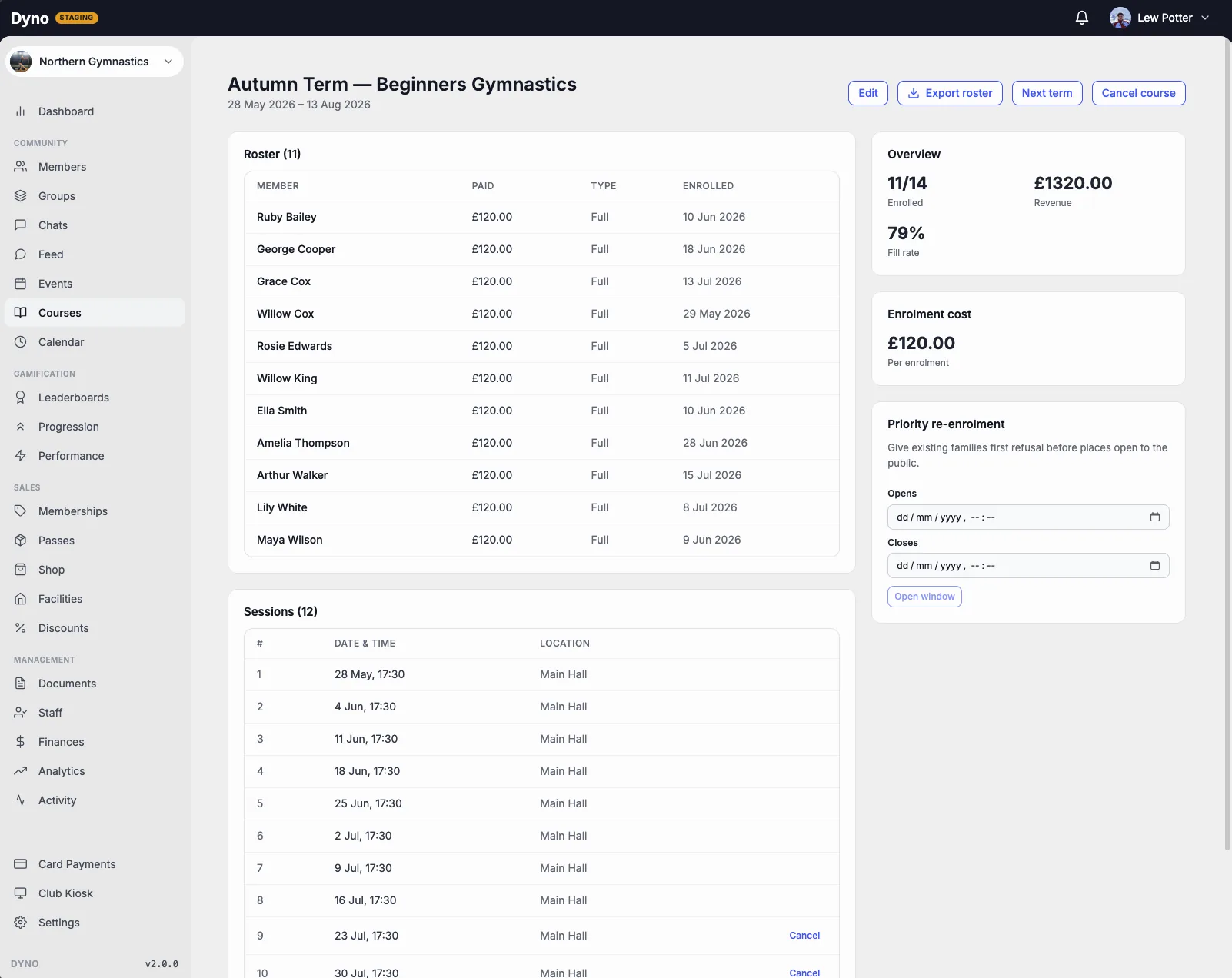
- Yes, and it is a proper courses engine rather than an afterthought. Families block-purchase a term as a course, returning families get priority re-enrolment before you open the next term to new joiners, and missed sessions can be booked as make-ups. You can also bill by recurring monthly membership if you prefer, so you are not forced to change how you charge families.
- Does Dyno help with safeguarding for a children’s activity provider?
- Yes, and it is built in rather than left to you. You can hold staff DBS, first-aid and coaching records with renewal reminders, keep a welfare register of each child’s emergency contacts and medical flags for coaches, capture photo consent per child with a clear no-photo indicator, publish a named safeguarding lead and policy, and children’s accounts are locked down by default with no messaging, discovery or public profile.
- Will parents have to download an app?
- Parents join your club in the Dyno app on iOS or Android, where they book classes, pay, and follow their child’s progress and your club’s feed. Because the app carries your timetable, chat and updates, families have a reason to open it beyond booking.
- Can you move our classes and members over from Class For Kids?
- Yes. Our team migrates your classes, registers and member list for you. Card and Direct Debit authorisations are re-collected through Stripe as parents activate their accounts.
Switch from Class For Kids to Dyno
A quick, personalised walkthrough, no slides, no commitment. Tell us a little about your club and we’ll be in touch.