 Dyno
DynoBook the right coach.
Staff profiles, roles and bookable coach calendars. Members book one-to-one time with the coach they want, and your team sees what it needs to.
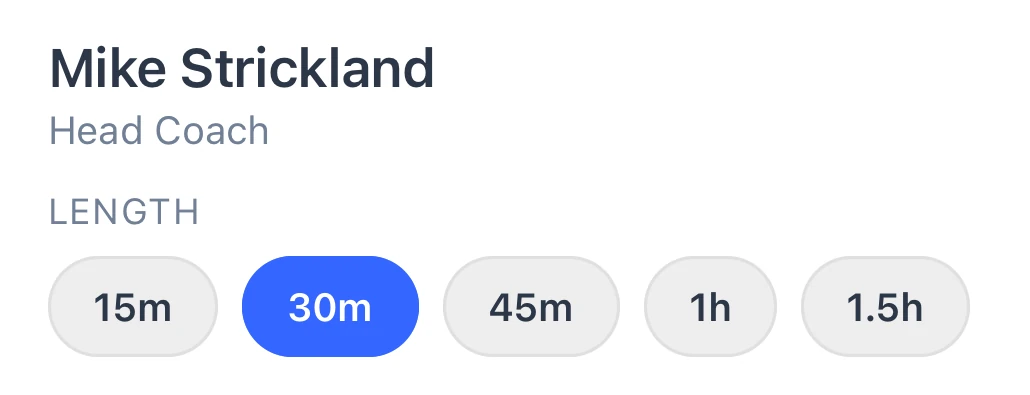
- 1Pick a coach and a length
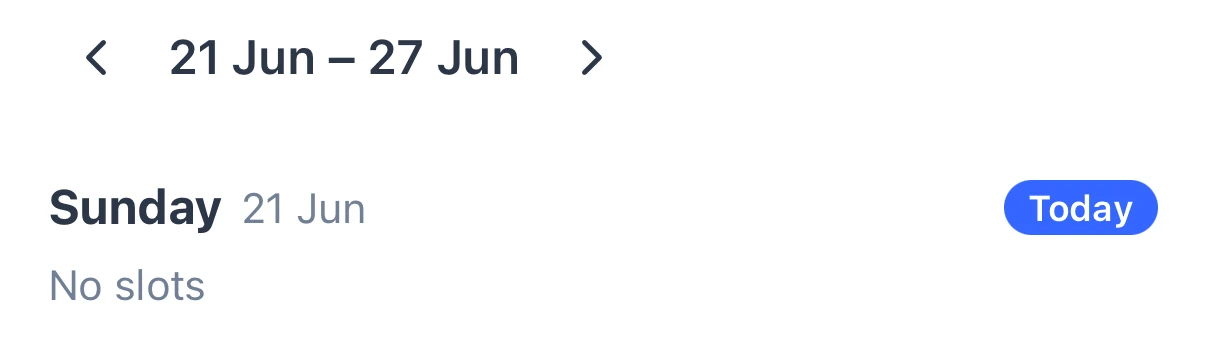
- 2Pick the week
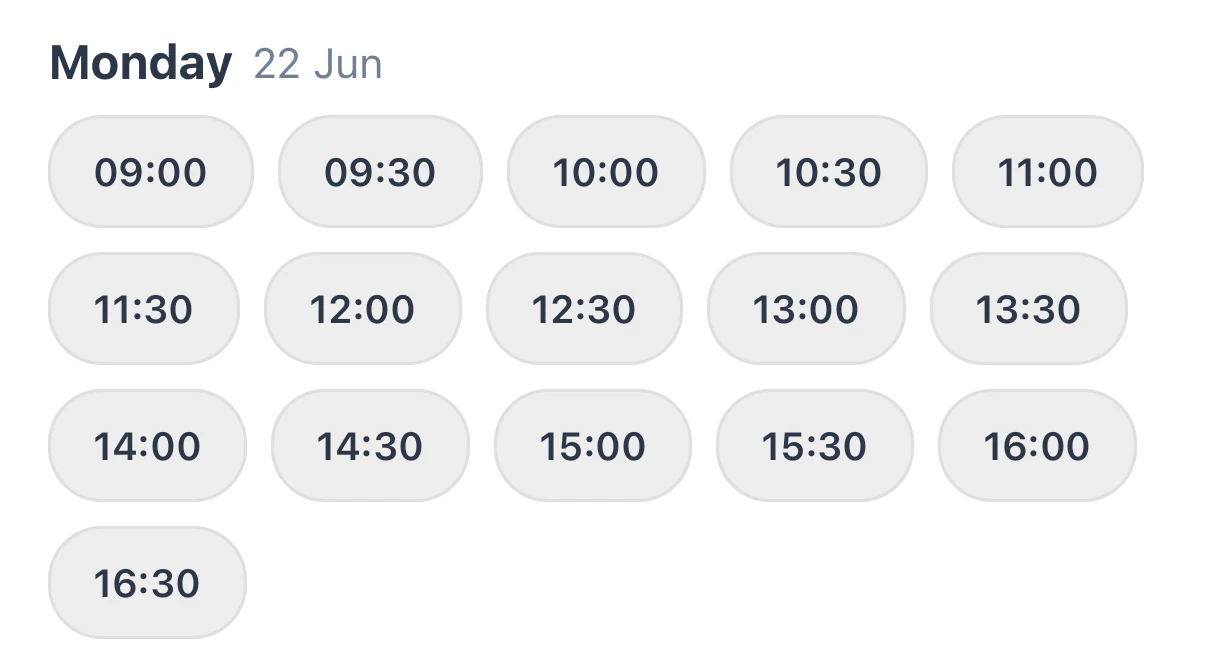
- 3Pick a time and book
Their coach, their choice.
Each coach or instructor gets a calendar members book from the app, and a time that’s already taken can’t be booked twice.

How it works, in detail.
Staff profiles and roles are on every plan. Bookable coach calendars and one-to-one sessions are the staff scheduling bolt-on, included on Pro.
Each coach sets up their own diary
A coach adds their weekly availability, the days and hours they take sessions and where, and up to six session types, each a length from a few minutes to eight hours with its own price. Coaches can set their own; your owner, admins and managers can set anyone’s.
Members book from the app
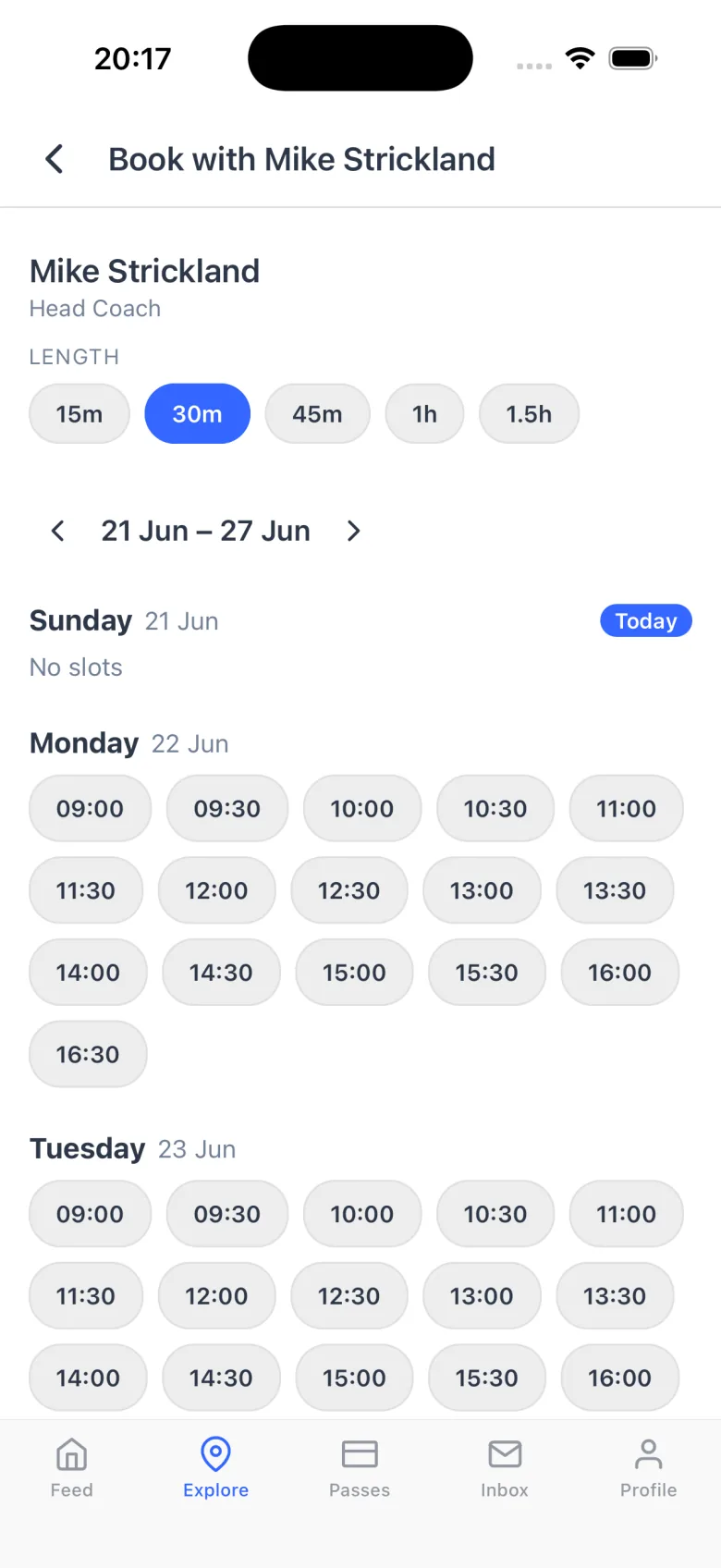
A Book a session button appears on each visible coach’s profile in the member app. The member picks a length, then a week, then a free time, and slides to confirm. Times step by the session length, so a 60-minute session offers hourly starts. Parents can book a session for their child.
Paying for a session
For a paid session, the member pays by card in the app straight after booking, or chooses to pay later from their calendar. An unpaid booking is released two hours before it starts. Your team can also record a payment taken in person, as cash, card at the desk or bank transfer, and every session payment comes out in one spreadsheet.
No double-booking a coach
Once a time is booked or blocked out, nobody else can book it. Coaches can block time for anything else they need to do. The check covers one-to-one sessions and blocked time, so keep a coach’s class hours out of their availability.
Cancelling
Set a notice period for member cancellations, anywhere from none to a week. A member can cancel a session they booked for themselves or their child inside that rule, and a cancelled paid session is refunded in full. Your team can cancel at any time.
The team calendar
With scheduling on, the dashboard calendar shows your own sessions, one colleague’s, or the whole club, alongside the class timetable. Your team can also add group sessions with several members, or book on a member’s behalf.
Roles, on every plan
Everyone on your team gets a profile with a title, bio, qualifications and whether members can see it. Each person has one of four roles: owner, admin, manager or staff. Settings decide which dashboard pages the staff role sees, and finances stay with your owner, admins and managers whatever you choose.
Adding people and seats
Add a coach with their name, email and role, and they get an email to set a password, valid for seven days. Starter includes 3 seats, Growth 10 and Pro 30, counting the owner, and you can buy more seats from your subscription settings as the team grows.
Questions clubs ask.
£29 a month, or £290 a year.
Included on Pro. Try Pro free for 30 days.
Get your club running on Dyno
30 days of Pro free, no credit card. Most clubs are taking payments the same day they sign up. Staff scheduling is a paid bolt-on, and it is included on Pro.